Your Website Gets Traffic Before Anyone Even Clicks Your Link—The Hidden Side of Open Graph Meta Tags

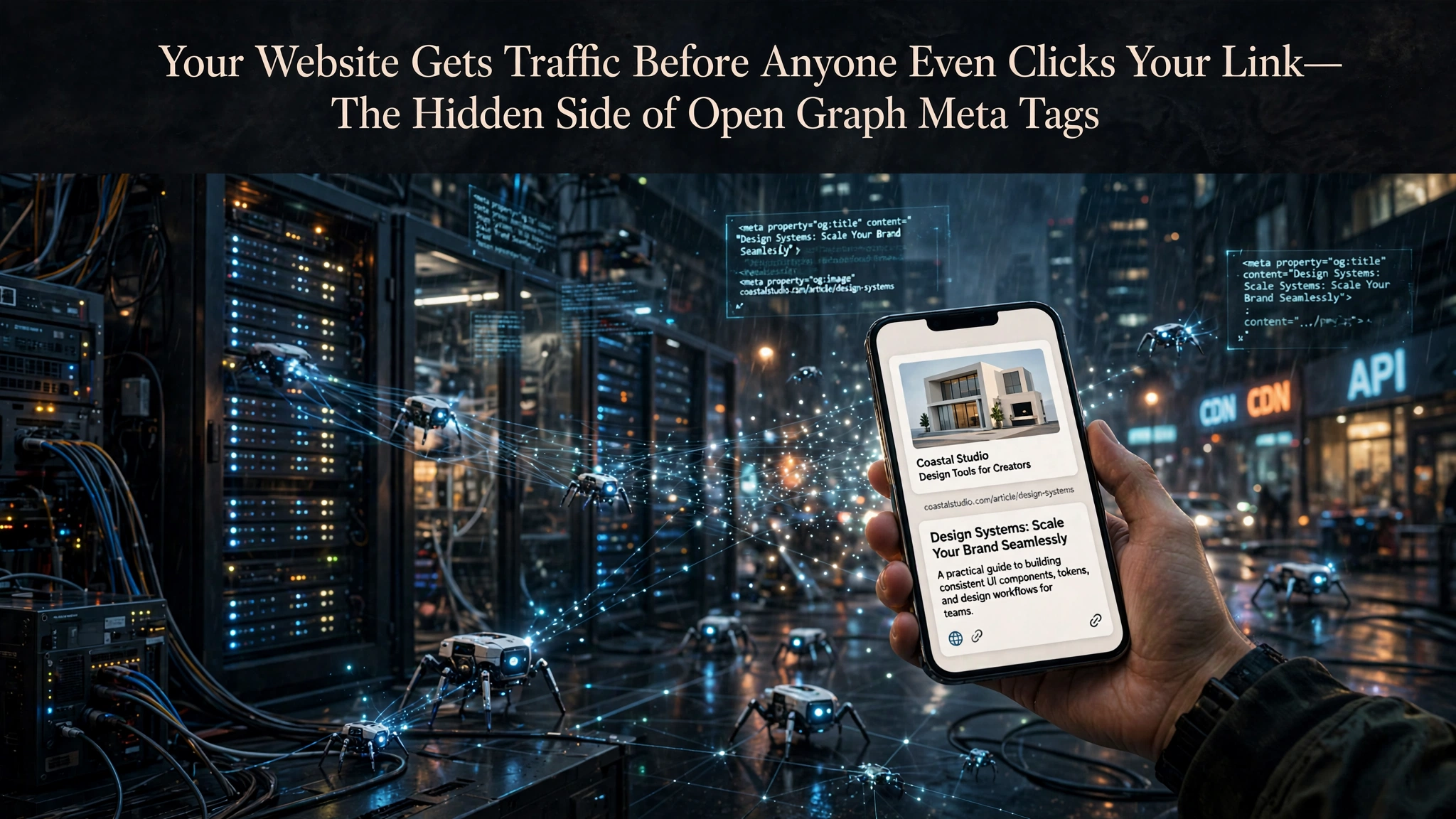
Here's something a lot of website owners don't realize: You can share a link on Facebook, watch your website traffic increase, and nobody has actually visited your website to read anything. Sometimes the first visitor isn't even human. It's a crawler sent by the social media platform to inspect your website before the post is published.
Let's talk about something that happens behind the scenes every time you share a website link on social media: Open Graph meta tags.
If you've ever pasted a link into Facebook and watched a preview appear with a title, description, and thumbnail image, you've already seen Open Graph doing its job.
But there's something interesting happening behind that little preview card. Facebook needs to retrieve information from your actual website to build it. That means its crawler sends a request to your server, fetches the page, reads the metadata, and collects the information needed to display the preview.
And guess what? Your server sees that request.
Before somebody even clicks Share, your website may have already received a visit.
So what exactly are Open Graph tags?
Open Graph is a metadata protocol that allows websites to describe their content to other platforms. Instead of letting Facebook guess what your page is about, you can explicitly tell it what information to use.
Some of the most important tags include:
og:title tells the platform what title to display.
og:description provides a description of the page.
og:image specifies the image that should appear in the preview.
og:url identifies the canonical URL of the content.
og:type describes the type of content, such as an article or website.
For example, when somebody shares a blog post, you want the preview to show the actual article title, an interesting description, and the correct image—not some random logo or an unrelated photograph Facebook found somewhere on your page.
You're essentially giving social media platforms instructions on how to represent your website.
Facebook doesn't just magically know what's on your website.
When a link is shared, Meta can send its crawler, commonly identified by the user agent facebookexternalhit, to retrieve the page. It reads the HTML response and extracts the metadata needed to construct the preview.
That request can happen while somebody is composing a post, before they actually publish it. So your server could receive a request even if the person changes their mind and never finishes sharing the link.
Think about that for a second.
You could be sitting there watching your server logs, wondering why somebody is requesting a particular article, only to discover that Facebook is simply trying to figure out what thumbnail to display.
And Facebook isn't the only platform that does this. X uses its own card metadata system, including tags that still use the twitter: prefix. Other platforms also retrieve webpage information to generate link previews.
Your social media sharing process is also a form of automated website discovery.
Those crawler requests count as traffic—but let's understand what that actually means.
If you're running your own server, you can inspect your Apache access logs and see these requests arriving. They'll have timestamps, requested URLs, response codes, user-agent information, and other details.
From your web server's perspective, a request happened. Your website received traffic.
But there's an important distinction: that doesn't mean a human visitor loaded your article, read the content, or spent five minutes browsing your website.
It's automated traffic generated for a technical purpose.
Depending on your analytics platform, known bots may be filtered out, categorized separately, or excluded from reported human sessions. Your raw server logs and your analytics dashboard can therefore show very different numbers.
So if you see a sudden increase in requests immediately after sharing an article, don't automatically assume you just gained a bunch of readers. Some of those requests might be social media crawlers doing their homework.
And honestly, understanding that difference is part of knowing what's actually happening on your own server.
Why this matters to website owners.
First, it means your metadata needs to be correct before you start distributing links. If your Open Graph image is missing, your title is wrong, or your description is incomplete, the platform might generate an ugly preview or cache information you didn't intend to display.
Second, your website needs to be accessible to those crawlers. If your server blocks them, requires authentication, or returns an incomplete HTML response, the platform might not be able to generate the preview correctly.
Third, caching matters. Social platforms can store the information they retrieve. If you change your article title or replace its preview image, the platform might continue displaying the old version until it retrieves the page again.
Facebook even provides a Sharing Debugger that allows developers to inspect what its crawler sees and request another scrape.
That's useful when you've corrected something and Facebook is still displaying yesterday's version of your website.
And here's where I think website ownership becomes interesting.
When you own your website, you can see the entire process. You control the HTML, the metadata, the images, the server response, the logs, and the content being shared.
You can watch a social media platform request your article. You can inspect the user agent. You can see whether the request returned a 200 response or encountered an error. You can even distinguish certain automated requests from ordinary browser traffic.
That's a level of visibility you don't necessarily get when your entire online presence lives inside somebody else's platform.
Social media might be where people discover your content, but your website is where the content actually lives.
That's why I believe your website should be the central hub. Publish the article on your own domain, give it the proper metadata, and then distribute that URL across your social networks.
Let Facebook generate the preview. Let X generate its card. Let other platforms fetch what they need.
But keep the original content, the URLs, and the infrastructure under your control.
The interesting part isn't just that social media sends traffic to your website. It's that sometimes the platform visits your website before the audience does.
So the next time you paste a link into Facebook and see that beautiful preview appear, remember: somewhere behind that little thumbnail, a crawler just knocked on your server's door.
And your server answered.









Comments
No comments yet, be the first submit yours below.