I Thought My External Hard Drive Could Sit Unplugged Forever—Apparently, Digital Storage Needs More Attention Than I Realized

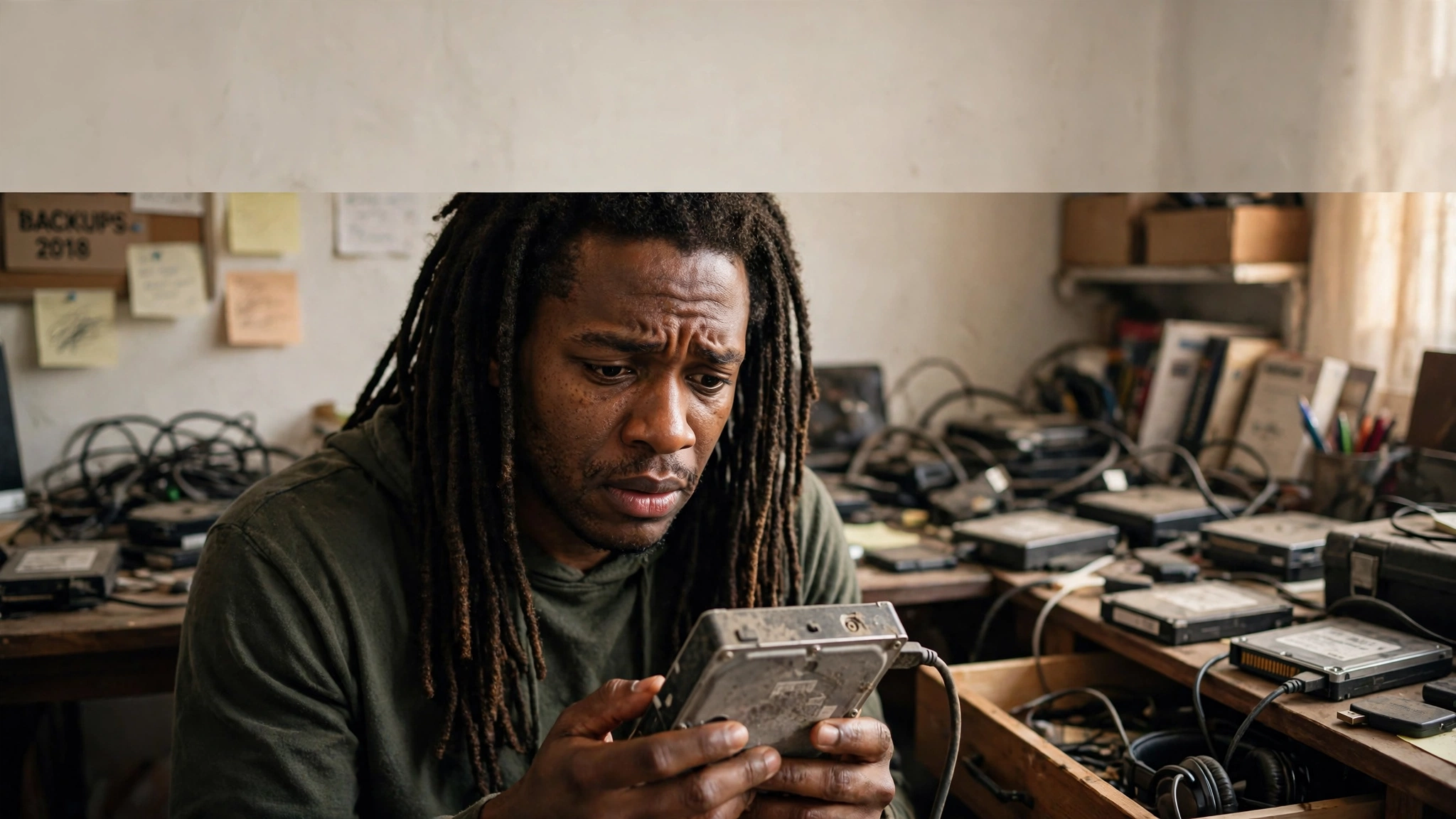
Imagine spending years collecting files, photos, videos, music, and important projects, only to discover that the device holding everything isn't guaranteed to preserve it forever. I thought unplugging a hard drive and putting it away meant my data was safe. Turns out, storage isn't quite that simple.
Here's something I recently learned that made me look at external storage a little differently.
Did you know that leaving certain storage devices unplugged for extended periods can create data-retention problems? I honestly didn't give it much thought. I figured if I disconnected an external drive, put it somewhere safe, and came back a few years later, everything would be exactly where I left it.
Apparently, that's not a great long-term storage strategy.
Now, there's an important distinction: traditional mechanical hard drives don't automatically fail just because they're unplugged. But leaving any storage device unused for years isn't something I'd trust with the only copy of important files. SSDs and SD cards use flash memory, which can gradually lose stored electrical charge when left without power. Mechanical hard drives have their own aging, mechanical, and environmental risks.
That's a lesson worth understanding before you discover it the expensive way.
Not All Storage Devices Work the Same Way
Most people use the words hard drive, SSD, SD card, and flash drive as if they're all the same thing. They're not.
A traditional HDD stores information magnetically on spinning platters. An SSD stores information using flash memory, and SD cards and USB flash drives also use flash-based storage.
That difference matters when we're talking about long-term storage.
Flash memory stores data using electrical charge inside memory cells. Over time, that charge can deteriorate, particularly depending on the condition of the device, how much it has been used, and the temperature where it's stored.
Some SSD manufacturers specifically warn about data-retention limitations when drives remain powered off for extended periods.
So no, unplugging a drive for a week doesn't mean your files are suddenly disappearing. But treating an old storage device like a permanent vault isn't a smart move either.
Imagine Losing Everything You've Been Saving
Think about everything people keep on external drives.
Family pictures. Videos of their children growing up. Music projects. Business documents. Websites. Personal backups. Years of creative work.
Now imagine plugging that drive back in one day and discovering your computer doesn't recognize it.
Maybe the drive has developed a mechanical problem. Maybe the controller has failed. Maybe the filesystem is corrupted. Maybe the device itself has simply reached the end of its useful life.
Whatever the reason, the result can be the same: you suddenly have a problem accessing information you thought was safely stored away.
And that's when you realize the difference between owning storage and actually protecting your data.
Why I Upgraded From 1TB to 5TB
This is another reason I decided to upgrade my storage from 1TB to 5TB.
As somebody who works with websites, music, media files, and years of digital content, storage space disappears faster than people realize.
Between maintaining my websites, collecting music files, working with images and videos, and keeping everything organized, 1TB eventually started feeling a little too small.
Moving to 5TB gives me considerably more room to work with. That's five times the advertised capacity, which means I can keep more of my digital projects and media in one place without constantly worrying about running out of space.
But here's something else I've learned: having 5TB doesn't automatically make your data safer. A larger drive is still one physical device that can fail.
More storage is convenient. More copies of important files are what actually improve your chances of recovering them.
One Hard Drive Should Never Be Your Entire Backup Strategy
This is probably the biggest lesson from all of this.
If you have important information stored on an external drive, consider keeping another copy somewhere else. That could be another external drive, a separate backup device, or a secure off-site backup.
And don't just copy everything once and forget about it. Periodically reconnect your drives, check that the files are readable, and verify that your backups are actually working.
For particularly important files, having multiple copies on separate devices is a much better strategy than trusting one drive to survive forever.
Even professional data-storage guidance emphasizes that long-term preservation requires more than simply putting a drive on a shelf.
Technology Is Convenient Until You Lose Access to It
We live in a world where people store practically their entire lives digitally. Pictures, business records, creative projects, financial documents, and personal memories can all fit inside something small enough to carry in your pocket.
But convenience sometimes makes us forget that physical storage has limitations.
We assume our information will always be there because we can access it today. We forget that drives age, electronics fail, files become corrupted, and storage formats eventually become outdated.
That's why backing up information isn't something reserved for corporations and technology professionals. Everybody who has something important stored digitally should have some kind of backup plan.
The Bottom Line: Don't Confuse Having Storage With Having a Backup
I upgraded from 1TB to 5TB because I needed more room, and learning about long-term storage has given me another reason to pay closer attention to how I protect my files.
I didn't know as much about data retention as I thought I did. And that's the interesting thing about technology: sometimes you learn something only after you've already been doing it the wrong way.
If you have an external hard drive, SSD, SD card, or USB drive sitting in a drawer somewhere, don't automatically assume everything on it will remain accessible forever.
Check your storage. Verify your files. Keep backups. And don't wait until a device fails to discover how important the information on it really was.
Because buying another hard drive is easy. Replacing years of memories, music, and work that you never backed up? That's a completely different story.






Comments
No comments yet, be the first submit yours below.